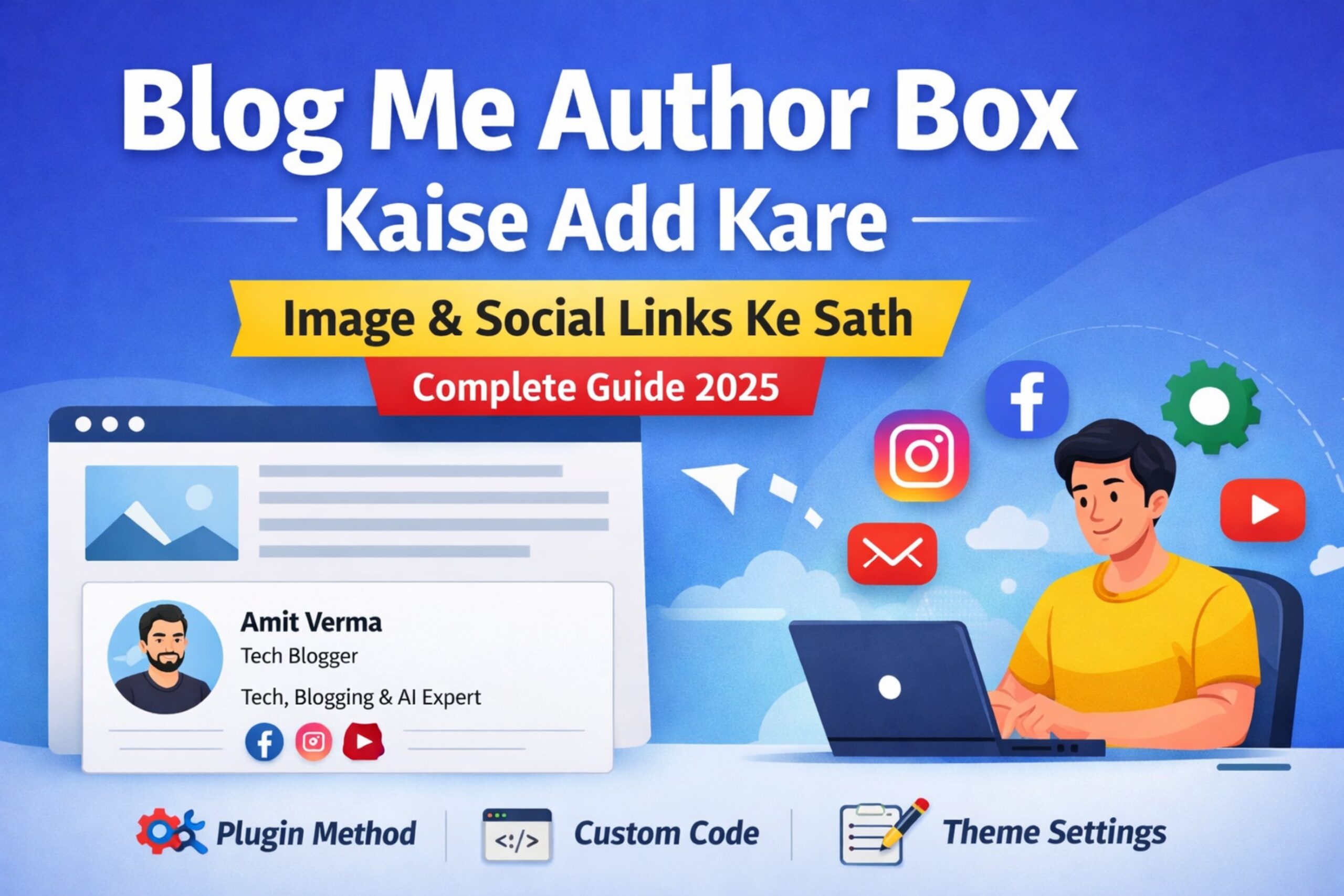
आज के समय में सिर्फ अच्छा content लिखना ही काफी नहीं है। अगर आप चाहते हैं कि आपकी website trustworthy, professional और Adsense friendly लगे, तो Author Box बहुत ज़रूरी होता है।
Author Box वह section होता है जो हर blog post के नीचे दिखाई देता है, जिसमें:
- Author का नाम
- Profile photo
- Short bio
- Social media links
दिखाए जाते हैं।
इस article में हम जानेंगे:
- Author Box क्या होता है
- Author Box क्यों ज़रूरी है
- Blog में Author Box जोड़ने के 4 practical तरीके
- Plugin से, बिना plugin, और custom design से Author Box कैसे बनाएं
🔍 Author Box Kya Hota Hai?
Author Box एक छोटा सा profile section होता है जो reader को यह बताता है कि:
- इस article को किसने लिखा है
- Author किस field का expert है
- Author को social media पर कहाँ follow किया जा सकता है
👉 Google E-E-A-T (Experience, Expertise, Authority, Trust) के लिए यह बहुत important है।
✅ Author Box Lagana Kyun Zaroori Hai?
✔ Website पर trust बढ़ता है
✔ Adsense approval में help मिलती है
✔ Author branding होती है
✔ Professional look आता है
✔ SEO में positive signal जाता है
🧩 METHOD 1: Plugin Se Author Box Add Kare (Beginner Friendly)
🔹 Best Plugin: Simple Author Box
Steps:
- WordPress Dashboard → Plugins → Add New
- Search करें: Simple Author Box
- Install → Activate
Setup:
- Users → Profile
- Bio लिखें
- Social links add करें
- Profile photo set करें (Gravatar / custom image)
👉 अब हर single post के नीचे automatically author box दिखेगा।

🧩 METHOD 2: Theme In-Built Author Box (Astra / Neve)
कुछ themes में author box पहले से दिया होता है।
Steps:
- Appearance → Customize
- Blog / Single Post Settings
- Author Box Enable करें
Limitation:
- Design limited होता है
- Custom social icons control नहीं मिलता
🧩 METHOD 3: Custom HTML + CSS Author Box (Without Plugin)
अगर आप lightweight और unique design चाहते हो, तो यह तरीका best है।
HTML (Post ke niche / Custom HTML block):
<div class="author-box">
  <img src="your-image-url.jpg" alt="Author">
  <h4>Shivam Panchal</h4>
  <p>Founder & Tech Blogger at liveindia.fun</p>
  <div class="social">
    <a href="#">Facebook</a>
    <a href="#">Instagram</a>
    <a href="#">YouTube</a>
  </div>
</div>
CSS (Additional CSS):
.author-box{
  border:1px solid #ddd;
  padding:20px;
  border-radius:8px;
  text-align:center;
}
.author-box img{
  width:90px;
  border-radius:50%;
}
.social a{
  margin:0 8px;
  text-decoration:none;
}
👉 यह तरीका manual है, हर post में add करना पड़ता है।
📸 IMAGE IDEA:
Screenshot: Gutenberg editor me Custom HTML block
🧩 METHOD 4: Automatic Author Box (Advanced – Best)
यह तरीका professional bloggers use करते हैं।
Features:
✔ हर post के नीचे auto show
✔ Author info WordPress profile से
✔ Plugin की जरूरत नहीं
Steps:
- Code Snippets plugin install करें
- PHP snippet add करें
- CSS apply करें
👉 इससे आपकी site fast रहती है और full control मिलता है।
📸 IMAGE IDEA:
Screenshot: Code Snippets plugin + live post preview
🖼️ Author Box Me Image Kaise Add Kare?
Option 1: Gravatar
- WordPress user email → gravatar.com
- Image upload → auto sync
Option 2: Custom Image
- Plugin settings में upload
- HTML method में direct image URL
🔗 Social Media Links Kaise Add Kare?
- Facebook Page
- Instagram Profile
- YouTube Channel
- Twitter (X)
👉 Social links से author branding strong होती है।
❌ Common Mistakes Jo Avoid Karni Chahiye
❌ Fake author name
❌ No bio
❌ No social links
❌ Same author for all posts
❌ Low quality image
📈 SEO & Adsense Point of View
Google चाहता है कि:
- Content ka real author ho
- Author ka experience dikhe
Author Box:
✔ Trust बढ़ाता है
✔ Manual review में help करता है
✔ Long-term SEO benefit देता है
🏁 Final Conclusion
अगर आप चाहते हैं:
- Professional blog
- Adsense approval
- Reader trust
तो Author Box ज़रूर add करें।
Best Recommendation:
👉 Beginner: Simple Author Box plugin
👉 Advanced: Automatic custom author box
❓ FAQ
Q. Author box Adsense safe hai?
हाँ, 100% safe है।
Q. Kya ek se zyada authors ho sakte hai?
हाँ, WordPress multi-author support karta है।
Q. Author box SEO ke liye important hai?
हाँ, indirect SEO benefit देता है।
